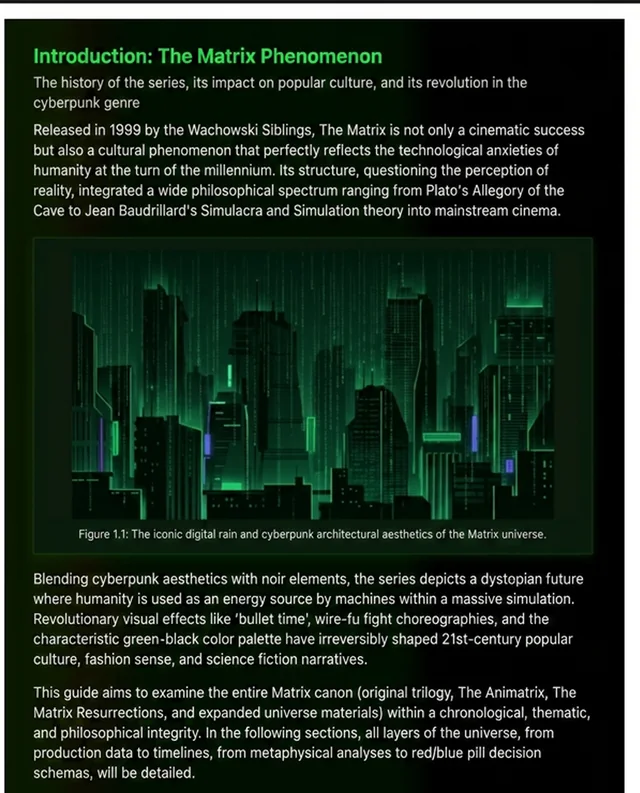
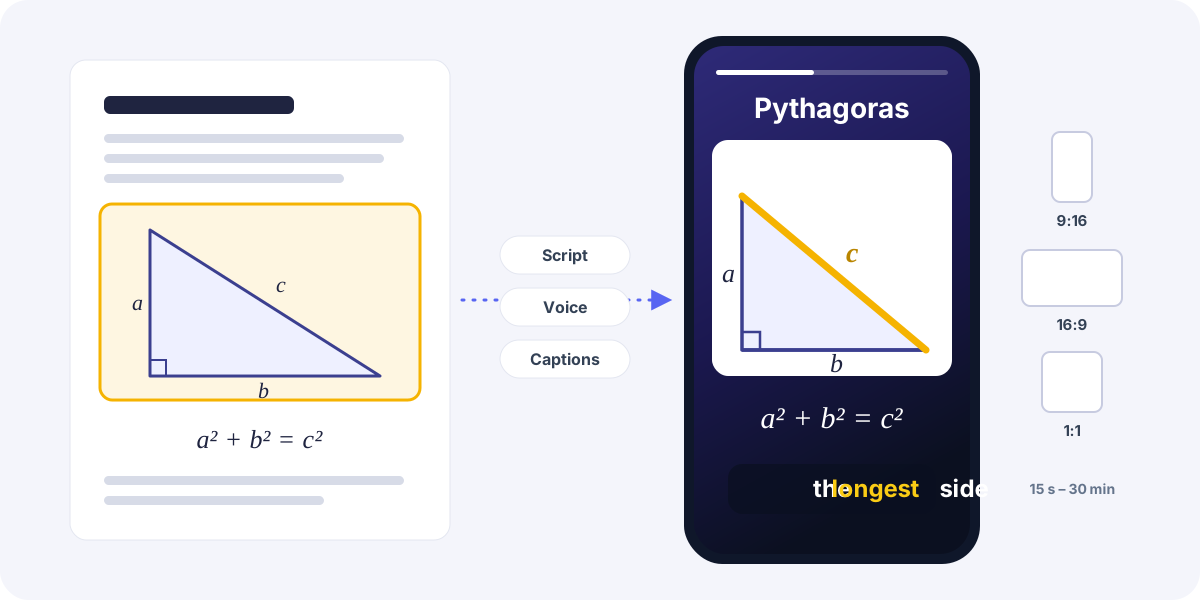
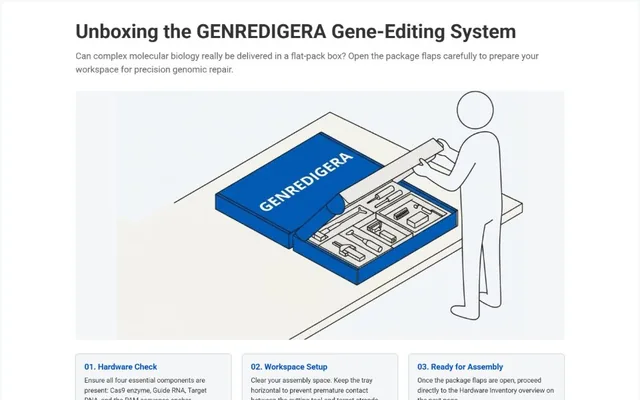
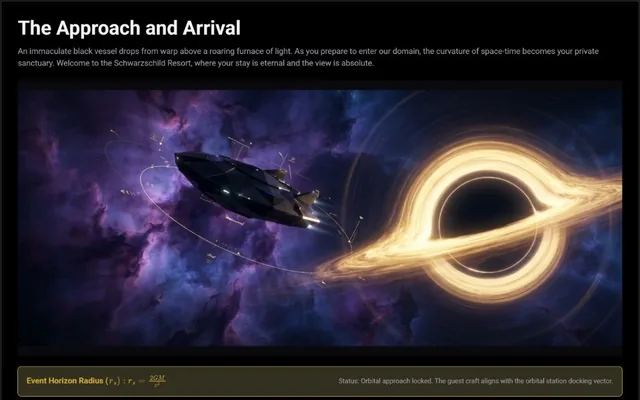
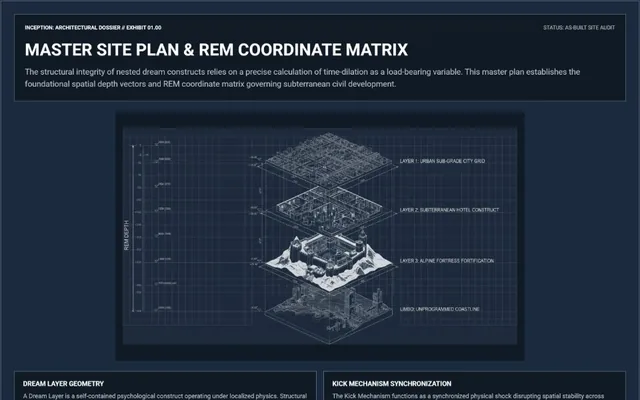
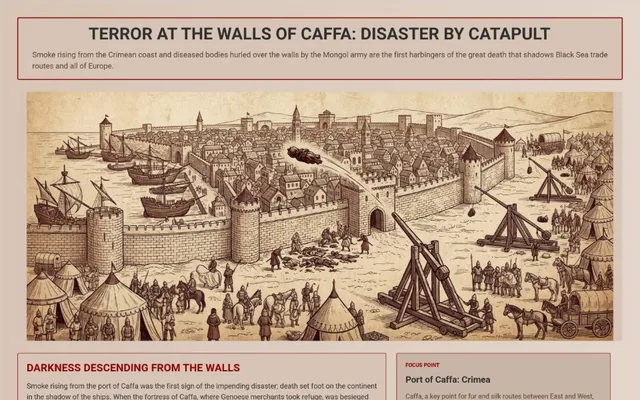
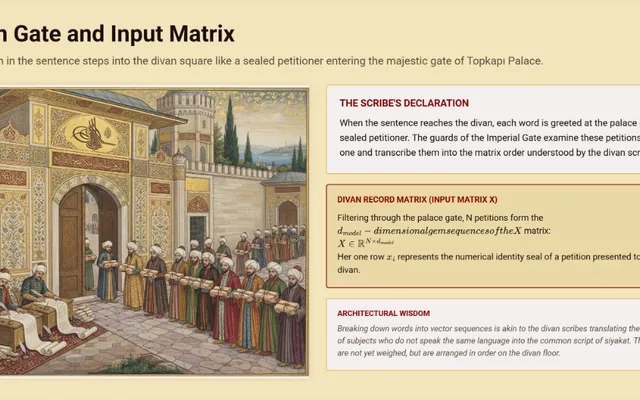
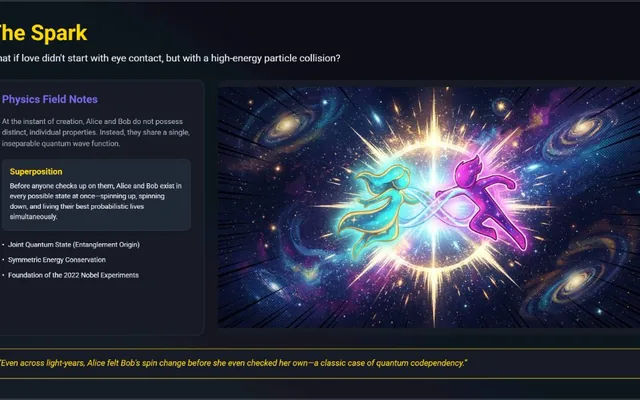
Turn any PDF or topic into a visual study document.

Upload your lecture notes or type what you're studying. Tasvir writes up to 200 illustrated pages you can read, edit and print.

Create your first document — free

300 free credits on signup · No credit card · Any language

Every document above was made this way — so can yours

Four steps, and the only thing you write is the sentence in step one.

  1. 01

    You say what you need

    One sentence is enough. Or drop in a PDF, a Word file or a photo of your notes.

  2. 02

    Tasvir asks you questions

    How long, who reads it, which examples? You answer by tapping options — 1, 5, 10, 15, 25 or 50 pages, or type your own up to 200 — and a section-by-section plan appears. Nothing is written until you approve it.

  3. 03

    Pages are written and drawn

    Each page takes two passes: the text and layout first, then its visual — a geometric drawing, chart, table, timeline or an AI image. Pages that build on each other are written in order, independent ones in parallel, and each is saved on its own, so progress is never lost.

  4. 04

    Read it, fix a page, print it

    Page 7 not right? Regenerate only that page. Then export to PDF, print A4/A3, or share the link.

The AI writes the text and designs the visuals; your browser is what measures every page and lays it out for A4, which is why the pages hold together in print.

Start free. Then pay only for what you generate.

You start with 300 credits — about five pages, enough for a complete first document. After that you buy credits: no subscription lock-in, no monthly fee for a month you did not study. Credits are only spent when you generate a document or regenerate a page.

See credits and start free

Before you sign up

Is the document written by AI?

Yes. The AI plans the document, writes the pages and designs the visuals. You stay in control: you approve the plan before anything is written, you choose the length, and you can regenerate any single page you do not like.

What do I get for free?

300 credits, once, when you create your account — about five pages at balanced quality with AI images, valid for 30 days and no card required. When they run out you buy a credit pack; there is no subscription.

Do you store the file I upload?

No. Tasvir reads your PDF, Word file or image once to understand it, uses it for that single generation, and does not store it.

How is this different from ChatGPT?

ChatGPT answers questions. Tasvir builds documents — a planner agent decides the audience and page flow first, then generates up to 50 paginated pages with images, tables, charts and diagrams you can actually print.

What if I do not like one page?

Regenerate just that page. Make it more visual, simpler, longer, or swap an image — every other page stays untouched.

Which languages does it support?

Write your prompt in any language and Tasvir generates the whole document in that language.

What are you studying this week?

Create your first document — free

Generate. Read. Learn. Share. Print.